Legal Templates
Note
Required role: Account admin to create, edit and remove templates. Compliance manager can open the list and the templates.
Legal templates are presets for the legal requirements of a project or module in TrustSource CE: how it is sold, operated and distributed, and what intellectual-property protection it needs. They belong to your company. Maintain them under Administration → Settings → Legal templates; the page is titled Company legal settings templates. When you set up the legal settings of a project or module, Import settings from Template copies a template's answers; see Project Settings → Legal and Module Settings → Legal.
The template list
The list shows each template's order, Type (project or module) and Name. Select a row to open it; Remove deletes a template after a confirmation.
To add one, press Create template and enter a Name, choose the Type (Project or Module) and optionally an Order; then press Create Rule.
Edit a template
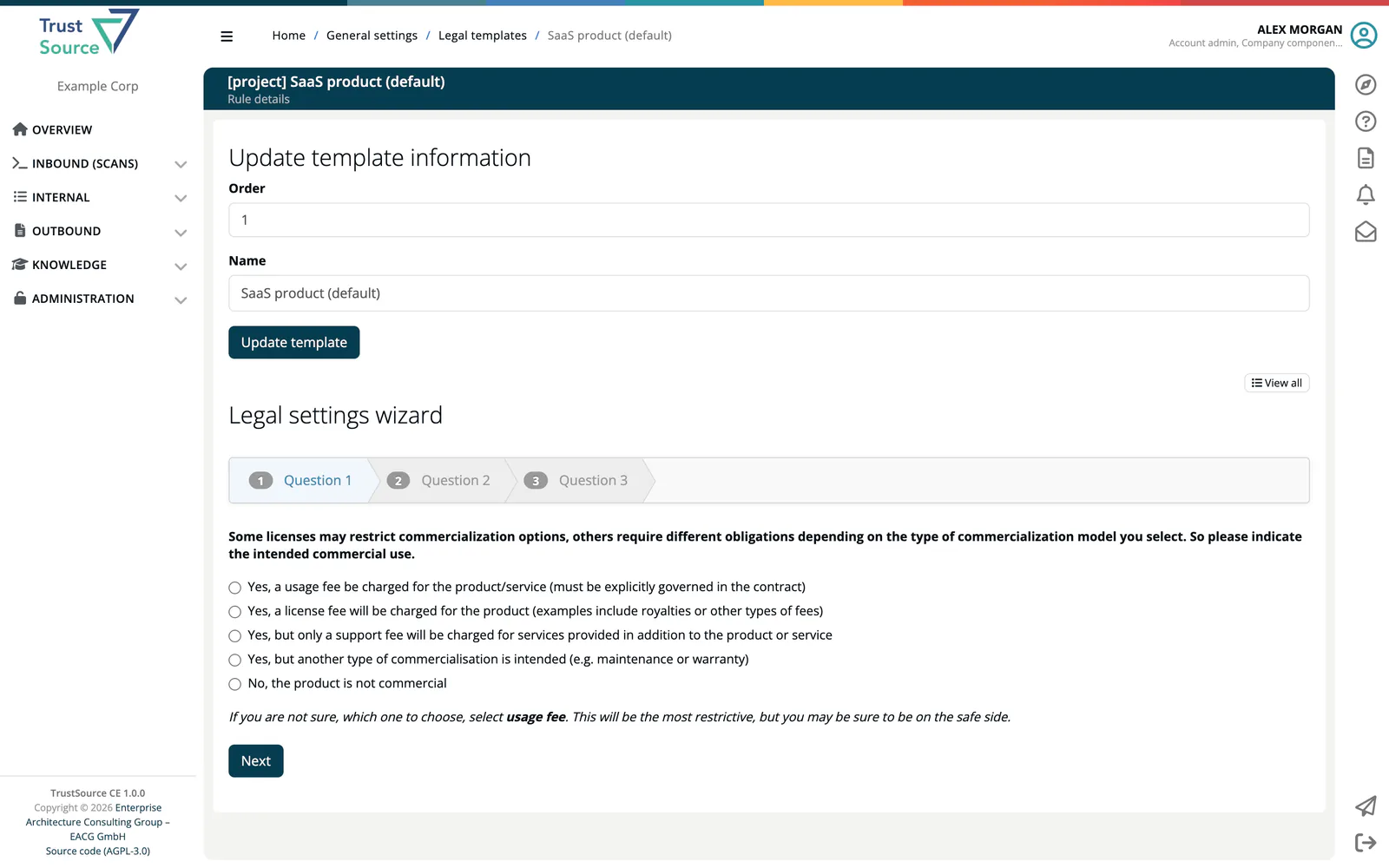
Under Update template information you change name and order and save with Update template. Below, the template's requirements are set in one of two ways:
- Start wizard guides you through a questionnaire (Legal settings wizard) and ends with Finish;
- View all shows all questions in one form.
Press Update legal requirements to save. For a Project template the questions cover the Commercial Aspects (if unsure, choose usage fee, the most restrictive), the Operating Model (if unsure, choose the embedded model) and Intellectual Property Aspects (inbound protection against contributor claims and outbound protection when you defend your rights). For a Module template they cover Trade Secret Aspects, the Licensing Strategy and the Distribution of the module.
Creating, changing and removing templates is written to the company's audit log.