Tab: Support
Note
Required license feature: products
Editing: developer, compliance_manager, company_security_manager or account_admin
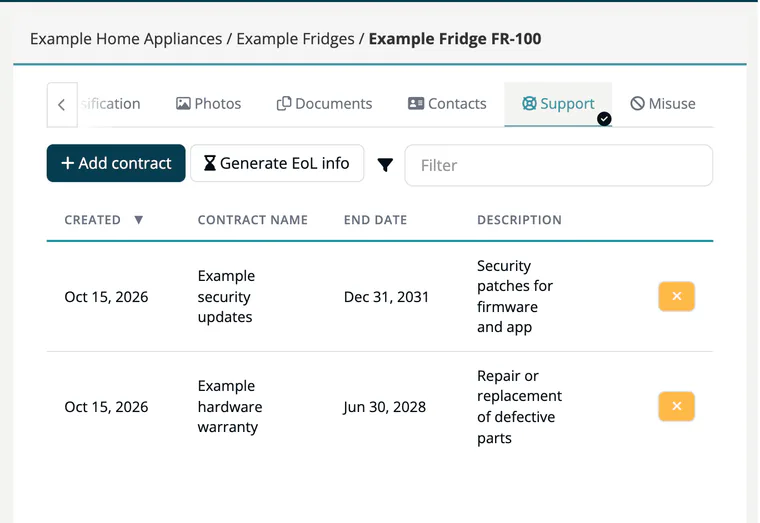
Record how long you support a product. The table shows Created, Contract name, End date and Description for each support contract; you can filter and sort it.
Add a contract
- Click Add contract.
- Enter the Name (required), for example
Standard support 2026-2031. - Optionally set the End date and a Description.
- Click Add.
Remove a contract with the x button at the end of its row.
Generate EoL info
Generate EoL info downloads <identifier>_eol_info.json, a machine-readable end-of-life file for the product. It lists each contract as a support definition and creates an endOfSupport event for every contract that has an end date, valid for all versions.
Note
The file's schema reference is still a placeholder (https://TODO/cle.v1.0.0.json). Check with the receiving tool before you rely on it.
Related
- Products overview - all eight product tabs