Your Personal Area
These pages cover what every signed-in user of TrustSource CE has, whatever their roles: updates, messages, profile, help and the API documentation. Most of them open from the right bar.
| Page | What it covers | Opened from |
|---|---|---|
| Updates | Release notes shipped with your installation. | Bell icon Updates |
| Messages | Notifications in the folders Inbox, Marked and Trash. | Envelope icon Messages |
| Profile | Name, theme, password, two-factor authentication, personal access keys, notification preferences. | Your name and roles in the header |
| Help and Contact | Help link, contacting your Account admin, reporting problems. | Help and Contact Account Admin icons |
| API Documentation | The built-in Swagger UI for the REST API. | API documentation icon |
On small screens these entries move into the left navigation as Updates, Inbox, Profile, Contact Account Admin, Support, API Documentation and Logout.
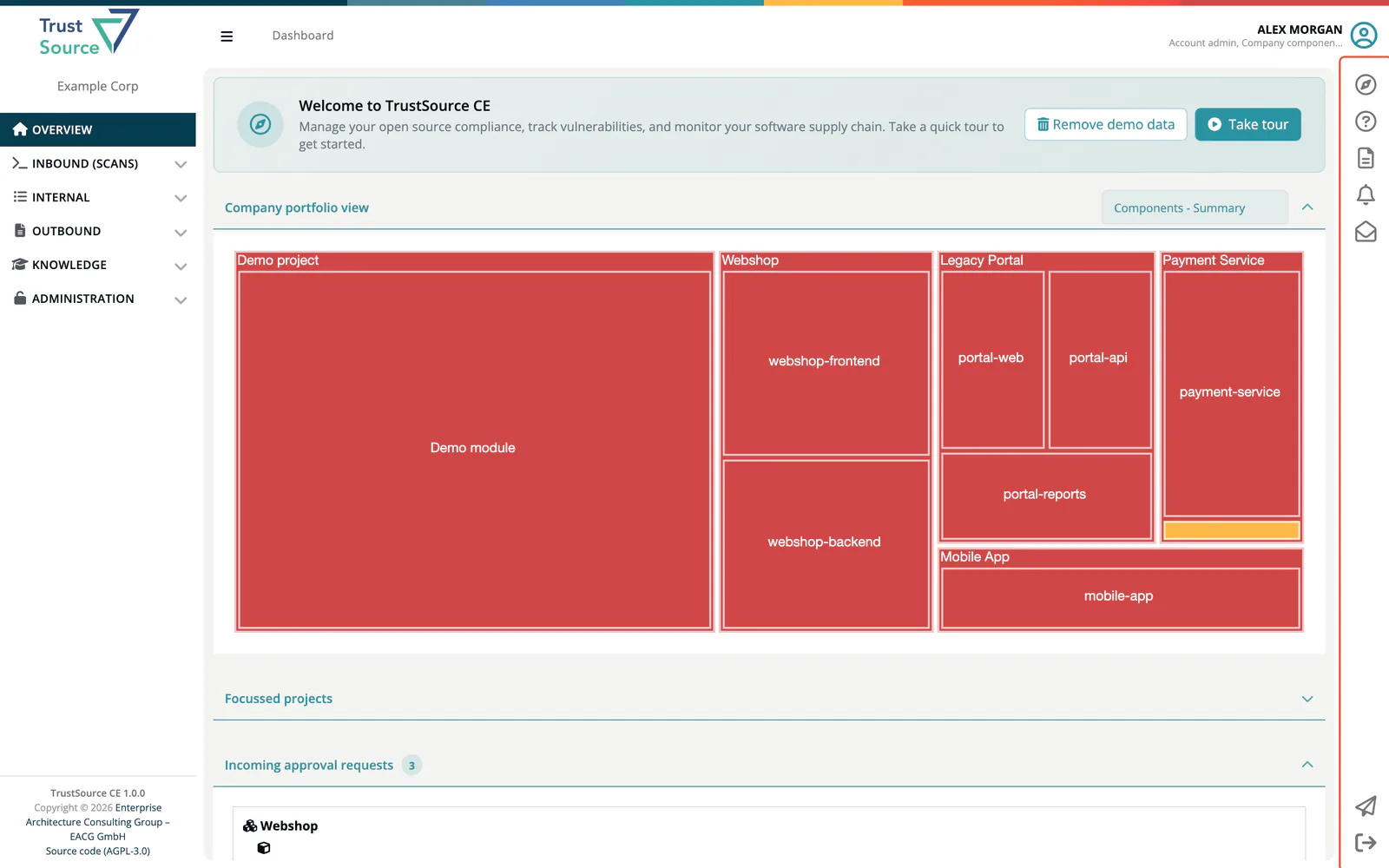
The compass icon Guide for this screen at the top of the right bar opens the guide panel. See Guide and demo.