Risks
Note
Required role: developer, compliance_manager, manager or account_admin
Required license feature: risks
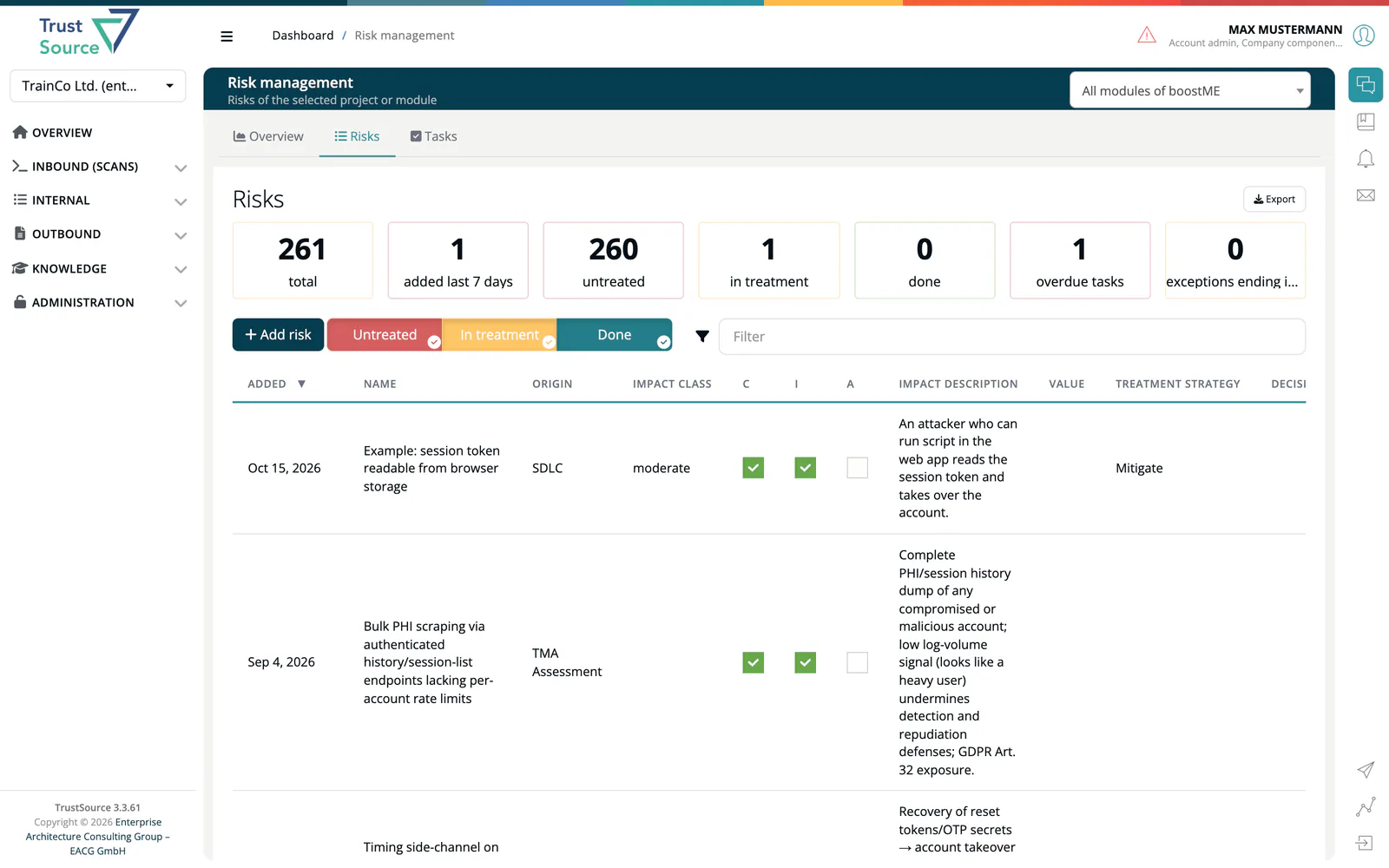
The Risks module is TrustSource's risk register. It lets you document a risk, assess its impact, decide how to treat it, assign countermeasures and tasks, and see how the whole stock of risks develops over time. Risks can be entered by hand, taken from a finding (a SARIF weakness, a vulnerability, an OBOM finding, a manually set license) or created automatically while you keep working.
Open Internal → Risks in the menu. The page has three tabs: Overview, Risks and Tasks. Each project also has its own Risks page, reachable from the Risks tile on the project page.
Where to start
| I want to... | Go to |
|---|---|
| See how many risks need attention and how the stock develops | Overview |
| Find, filter, create or edit a risk | Risks List |
| Understand Untreated, In treatment and Done | Treatment and State |
| Record why a risk is accepted, transferred or excepted | Decisions |
| Follow up on countermeasures and tasks | Risk Tasks |
| Compare projects and modules at a glance | Portfolio Views |
| Set my own impact classes, scales and limits | Risk Assessment Scheme |
| Let TrustSource create risks from SARIF, CVE or OBOM findings | Automatic Risks |
| See who changed what on a risk | Risk History |
In this section
| Page | What it covers |
|---|---|
| Overview | Development chart, inventory cards, portfolio treemap, new and untreated risks. |
| Risks List | The register: tiles, filters, export, the risk editor and its tabs. |
| Risk Tasks | Countermeasures, tasks, due dates, overdue reminders. |
| Portfolio Views | The treemap by treatment or impact, drill-down per project. |
| Treatment and State | Treatment strategy versus state, and the three treatment groups. |
| Decisions | The documented decision, temporary exceptions and their expiry. |
| Risk Assessment Scheme | Company, project and module scales and thresholds. |
| Automatic Risks | Risks from SARIF weaknesses, vulnerabilities, OBOM findings and licenses. |
| Risk History | The change trail of a risk and the matching Company Logs entries. |
Note
Upgrade note, version 3.3.28. Risks now record the treatment strategy apart from the state. Existing risks were converted once; the numbers of open and done risks changed, and risks that were deferred count as open again. Details are in Treatment and State.
Related
- Risk capability - what the license feature adds
- Risks API - read and write risks from your own tools
- Threat Models - threat-model risks arrive with the origin
TMA Assessment