Login History
Note
Required role: Account admin, Manager or Compliance manager
The Logins history page ("All logins of company") lists the sign-in attempts of your company in TrustSource CE. Use it for security audits and to investigate a login problem.
How to open it
Select Logins history at the top right of the Audit Logs page (Administration → Audit logs). The page has no menu entry of its own, and the Audit logs page needs the Account admin role; Managers and Compliance managers open the Logins history at /settings/company/loginsHistory.
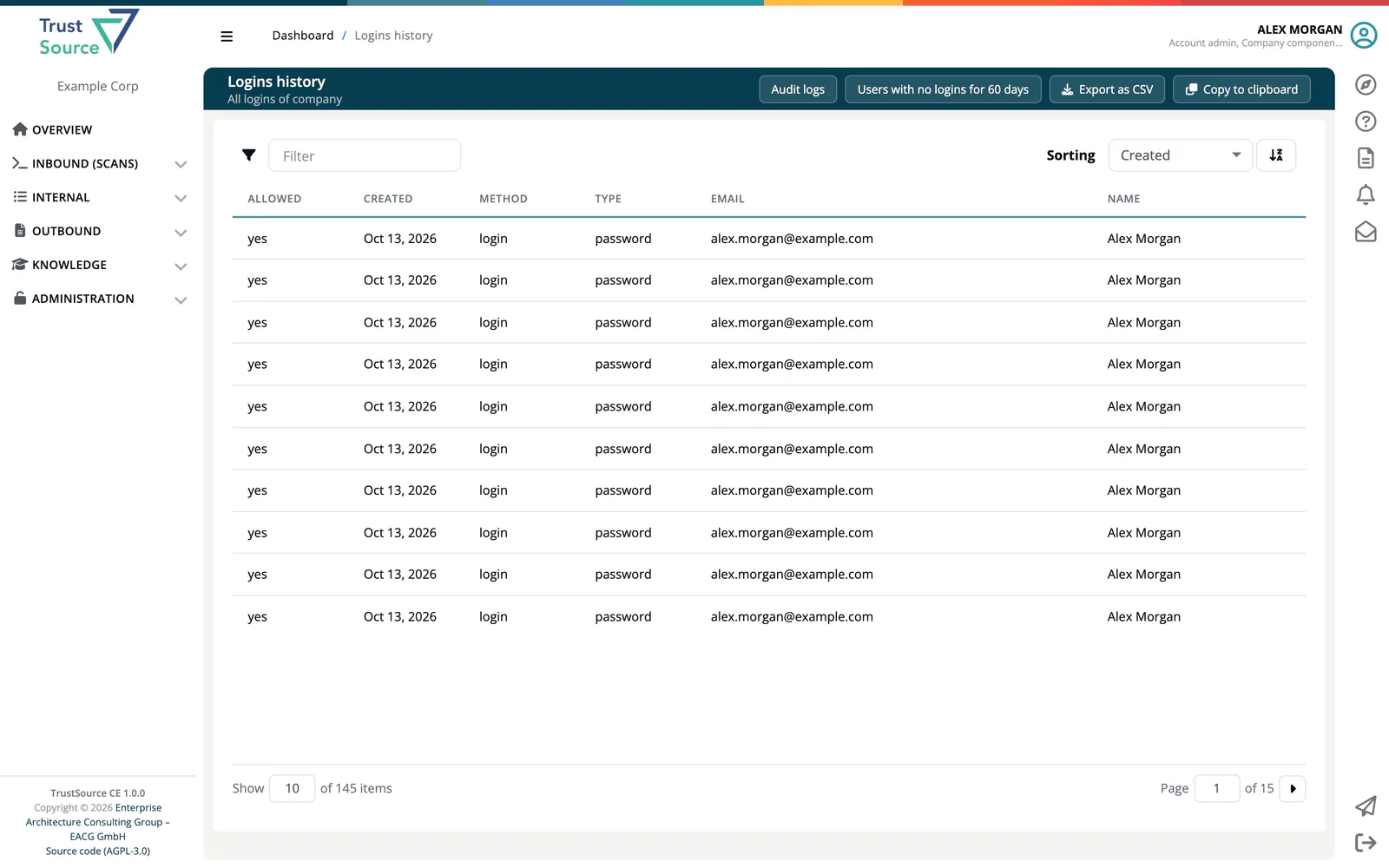
The table
| Column | Meaning |
|---|---|
| Allowed | yes if the login succeeded, no if it was refused. |
| Created | Date and time. |
| Method | The sign-in method used. |
| Type | The kind of login. |
| The account's email address. | |
| Name | The user's name. |
Use the Filter box to search by method, type, email and name. Newest entries come first.
Buttons
- Audit logs: back to the audit trail.
- Users with no logins for 60 days: lists the users who have not signed in during the last 60 days, a quick way to find accounts you may want to remove. All logins history returns to the full table.
- Export as CSV and Copy to clipboard: take the table with you, separated by semicolons.
Related
- User Management: manage members and their roles
- Audit Logs: the company-wide activity trail
- REST API: Users:
GET /core/users/nologinreturns users without logins