Getting Support
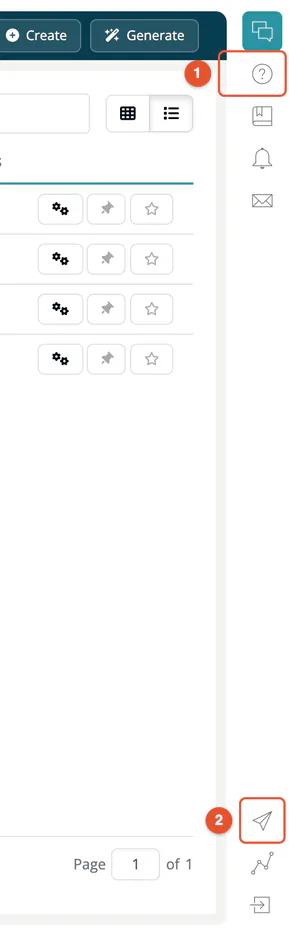
The right bar gives you two ways to get help in TrustSource.
| Right bar icon | What it does |
|---|---|
| Help (question mark) | Opens the TrustSource support center at support.trustsource.io in a new tab, with the knowledge base and the way to open a ticket. On small screens the same link is called Support in the menu. |
| Contact Account Admin (paper plane) | Opens a new email in your mail program, addressed to your company's Distribution email if one is set under Company details, otherwise to the first account admin (or, without one, the first manager) of your company. The icon is hidden when no address is found. |
Ask your account admin for access, roles and company settings. For problems with TrustSource itself, see Contact Support.