API Documentation
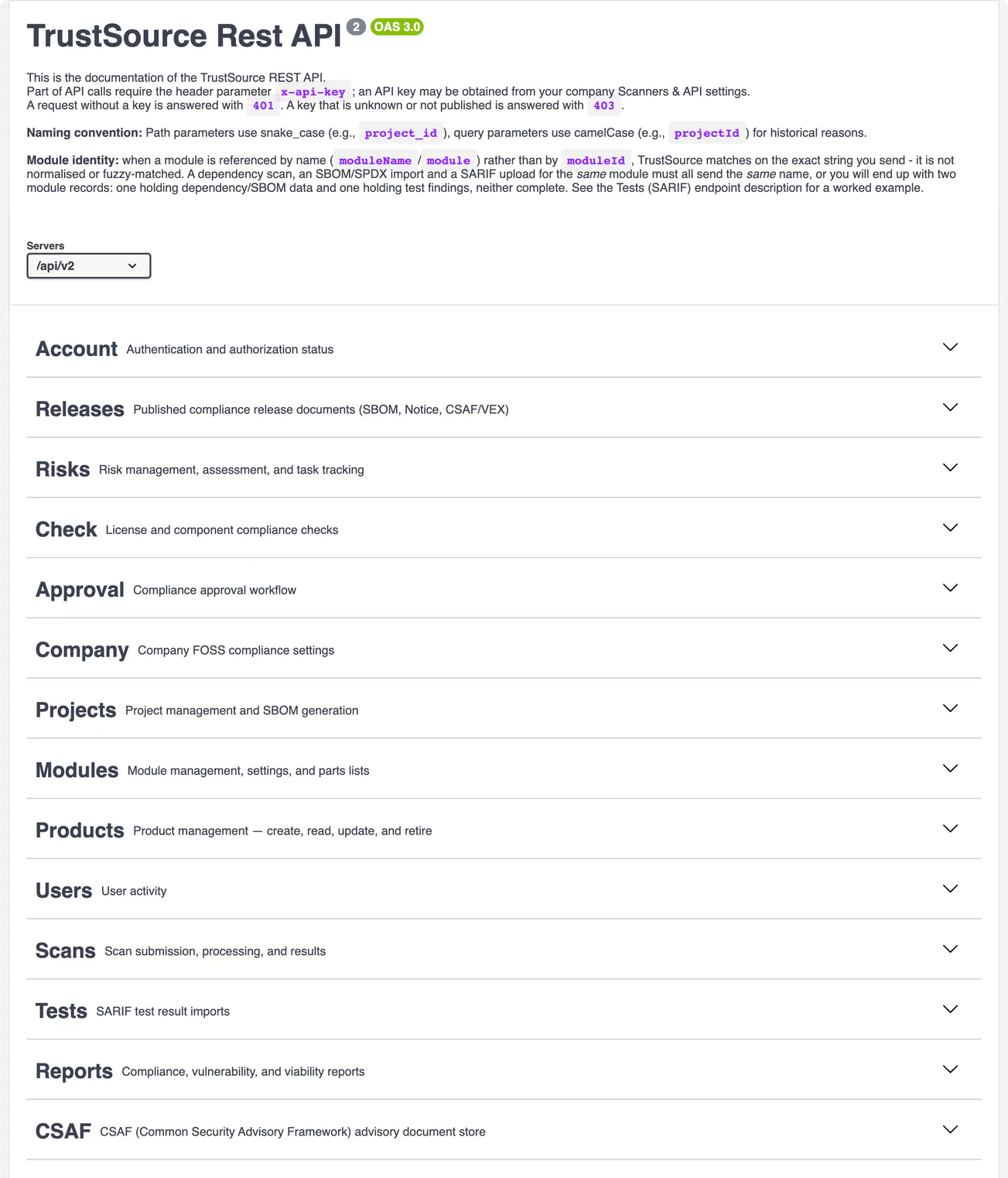
TrustSource CE includes the interactive documentation of its REST API. It is a Swagger UI generated from the OpenAPI specification that ships with the app, so it always matches the version you run.
Open it
Select the API documentation icon in the right bar, or go to https://<your-host>/apidoc-latest. The page shows the operations of /api/v2, grouped by tag (Account, Releases, Risks, Check, Approval, Company, Projects, Modules, Products, Users, Scans, Tests, Reports, CSAF), with their parameters and responses.
The raw specification is available at https://<your-host>/api-v2/openapi.yaml.
Try a call
- Select Authorize and enter an API key as
x-api-key, or fill in thex-api-keyparameter of the operation. - Select an operation and choose Try it out.
- Fill in the parameters and select Execute.
Warning
Calls you run here act on your real data. A POST or DELETE changes your company's data. Use a key with the smallest scope that does the job.