Permission Model
TrustSource decides what you may do from three things: your roles, the license flags and account type of your company, and, in project and module settings, your relationship to the project or module.
Roles are combined with OR
If any of your assigned roles grants a function, you have it. There is no deny: a role cannot take away what another role gives.
Menu and page access
The navigation shows an entry when your role matches. Many pages also check the role when you open their address and show "access denied" otherwise. See Functions by Area.
Which projects and modules you see
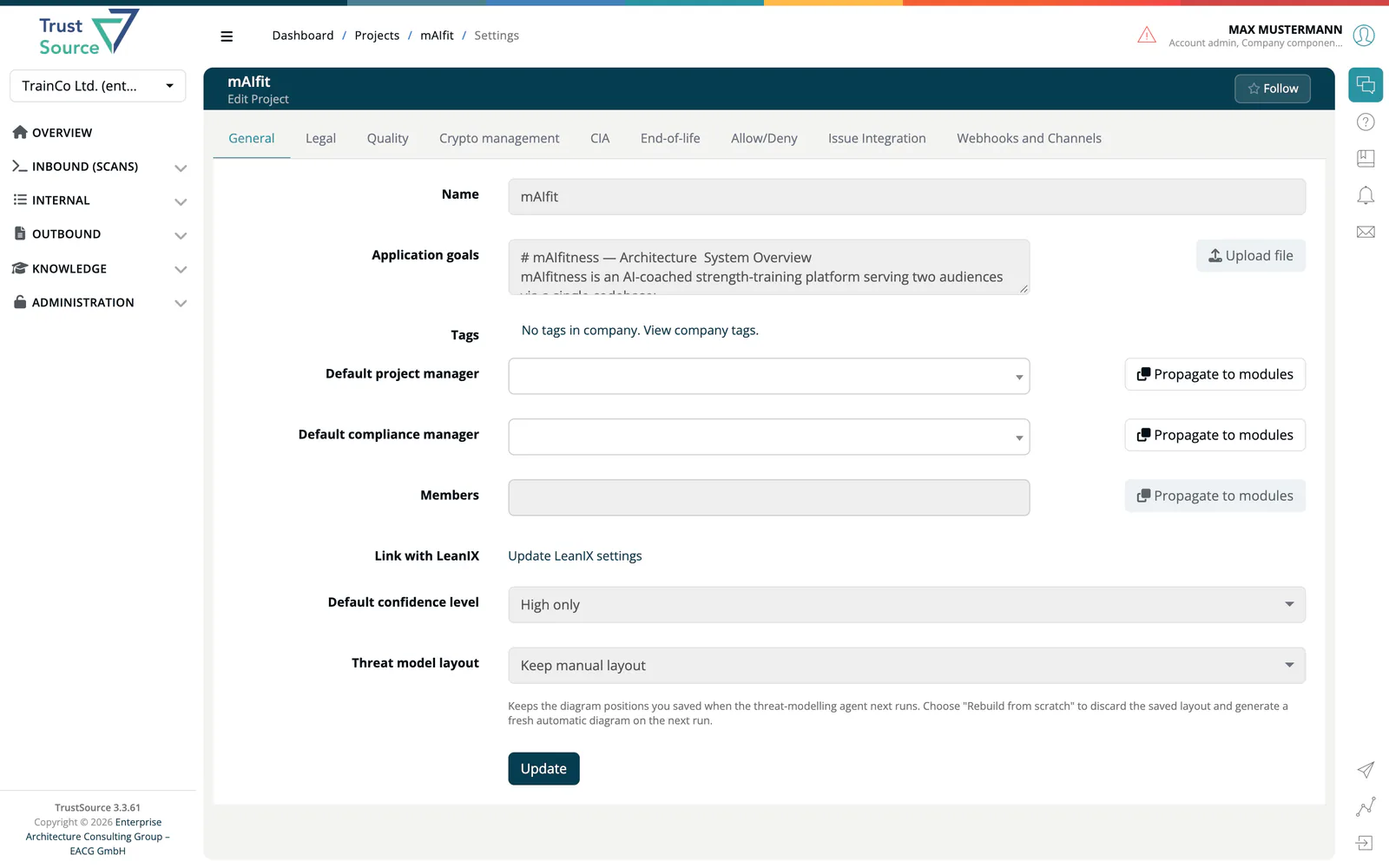
A project or module that has members is visible only to its members, its default project manager, its default compliance manager and every Portfolio manager. A project or module without members is visible to everyone in the company. Assign members in the General settings of the project or module.
Field-level rights in settings
Project and module settings use a rights code per field: r view, w edit, x run an action, d delete. A tab appears when you may view it; a field is editable when you may edit it. See the Settings Permission Matrix for every field.
These codes decide what the interface shows and lets you edit. The server checks every change again against your role and company, and in a few places that check is stricter than the interface.
Context: who owns the project or module
Three roles get different rights depending on their relationship to the entity:
| Role | Context | Rights |
|---|---|---|
| Manager | Default project manager of the entity, or none assigned | Default owner rights |
| Compliance manager | Default compliance manager of the entity, or none assigned | Default owner rights |
| Developer | Member of the module, or not a member | Member or non-member rights |
The none assigned case is the owner vacuum: when a project or module has no default manager, managers and compliance managers get the owner rights, so that nothing is locked. Assign default managers in the General settings to keep these rights with the right people.
If a person holds several roles, each role is evaluated separately and the results are added.
Where else rights matter
- License flags switch whole features on or off for the company. See License Features.
- Account types and plan features limit capacity and integrations. See Account Types.
- API keys carry scopes of their own. See API Scopes.