Company tags
Note
Required role to open the page: Account admin, Portfolio manager, Manager, Company security manager or Compliance manager Required role to add, remove, re-activate or import: Account admin or Manager
Company tags is the list of tags that projects and modules can carry in TrustSource CE. Open it from Administration → Settings → Company tags.
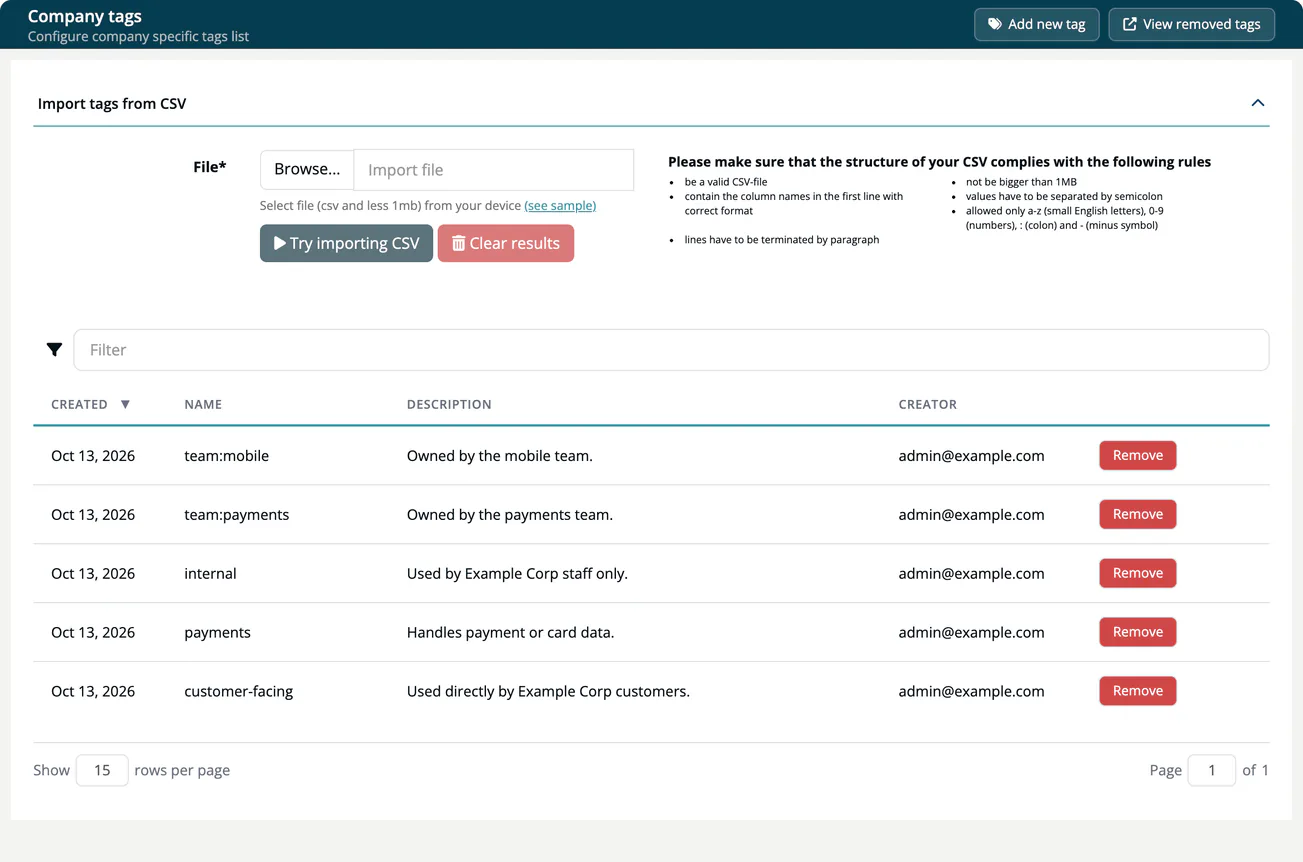
Add a tag
- Select Add new tag.
- Enter the Name. Use only lowercase letters
a-z, digits0-9, a colon:and a minus-, for examplecustomer-facingorteam:payments. - Optionally add a Description.
- Select Add tag.
Import tags from CSV
Use Import tags from CSV to create many tags at once.
- Prepare a semicolon-separated CSV file of up to 1 MB. The first line holds the column names
Name;Description. Select (see sample) for an example file. - Select Browse... and choose the file. The panel shows Expected results with the number of lines it can import and the lines with an error, such as "Duplicate, tag already exists" or an invalid name.
- Select Import CSV to create the tags. Clear results resets the panel.
Remove and re-activate
Remove in a row moves the tag to the removed list. Select View removed tags to see it, and Re-activate to bring it back. View active tags returns to the normal list.