Capabilities (Module)
Note
Required role: everyone who can open the module settings reads the list. Add capability, edit and remove are for developers who are members (or of a module without members), Compliance manager, Portfolio manager, Manager and Company security manager. See the Module Settings Permission Matrix.
A capability states what a module can do for its users, for example Single sign-on or Export invoices as PDF. Declare them once on the module; they then appear in the Capabilities tab of its approvals and in the Solutions tab of products. The tab is not shown for infrastructure and COTS modules.
Add a capability
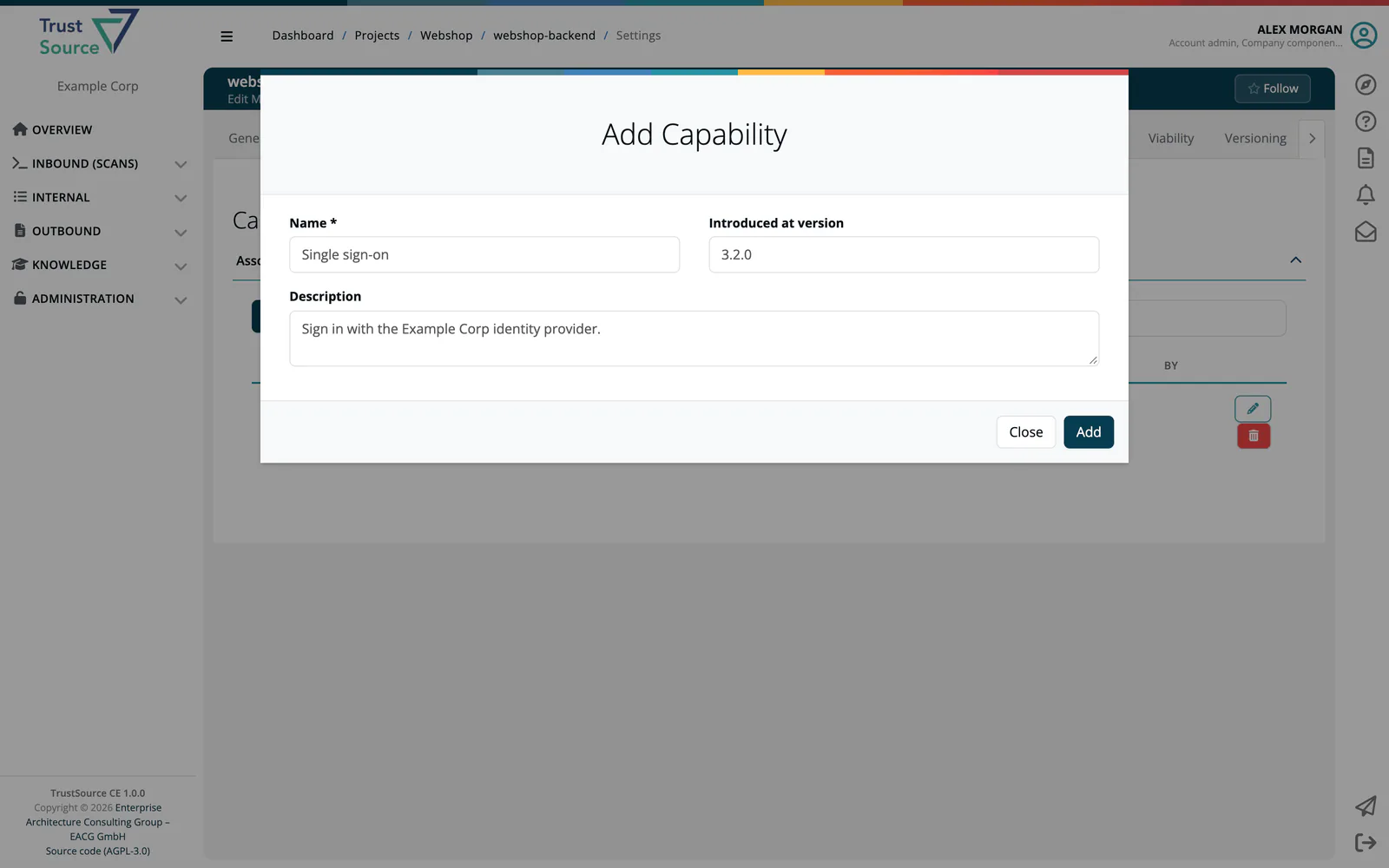
- Click Add capability.
- Enter a Name (required), for example
Single sign-on. - Optionally enter the version it was Introduced at version, for example
3.2.0, and a Description. - Click Add.
The list
The panel Associate capabilities with this module lists each capability with its name, description, the version that introduced it, and when and by whom it was added and last modified.
The pencil icon at the end of a row edits a capability, the trash icon removes it. Both are available only with write rights.