Integrations
Note
Required role: account_admin or enterprise_admin
The Integrations page connects TrustSource to the tools your team already uses: issue trackers, your application portfolio and a receiver for notifications. Open it from Administration → Integrations. Each tile leads to the settings page of one integration.
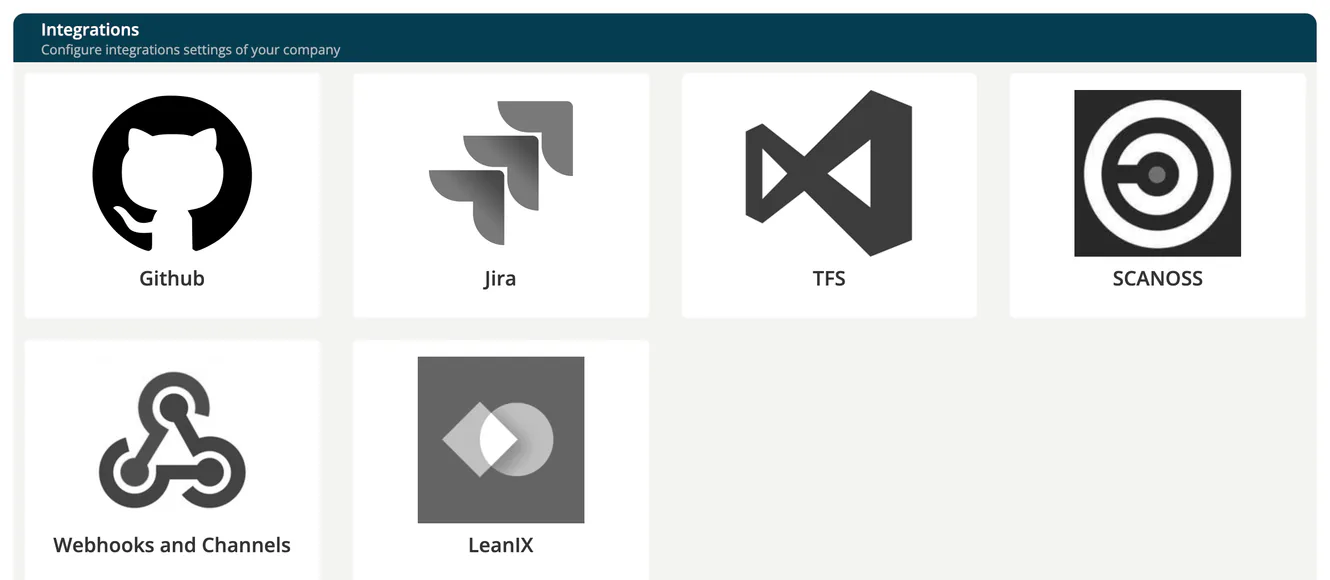
| Tile | What it does | Details |
|---|---|---|
| Github | Files findings as GitHub issues. | Issue trackers |
| Jira | Files findings as Jira issues, through the Jira API or by email. | Issue trackers |
| TFS | Files findings as work items in TFS or Azure DevOps. | Issue trackers |
| SCANOSS | Adds your SCANOSS token for repository scans. | LeanIX and SCANOSS |
| Webhooks and Channels | Sends notifications to Slack, Microsoft Teams or any HTTP endpoint. | Webhooks and channels |
| LeanIX | Links modules to entries in your LeanIX workspace. | LeanIX and SCANOSS |
How the settings behave
- Company defaults, project overrides. The settings here apply to every project in your company. A project can use its own Jira, TFS or GitHub settings when your plan includes the multi variant of that integration. Otherwise the project's Issue Integration tab shows a note that you need an enterprise account type. See Issue Integration (Project).
- Plan check. Jira, GitHub, TFS and LeanIX need a plan that includes the integration. Without it the page shows "you will need to have a corporate account type" and keeps the fields disabled. See Account Types.
- Secrets stay hidden. Passwords and tokens are never displayed again after you save them. Leave the field empty to keep the stored value; type a new value to replace it.
- Active switch. An integration only takes effect while Active is ticked. Untick it to pause the integration without losing the settings.
- Public addresses only. Server and webhook URLs must point to a public address. TrustSource refuses internal, private or loopback addresses with the error "Invalid integration URL".
Note
Account admins can open the Integrations page. Managers and compliance managers can create webhooks and channels too: they use a project's Webhooks and Channels tab, or open the company page at /settings/company/webhooks. See Webhooks and channels.
Related
- Issue Integration (Project) - pick the issue tracker for a project
- Integration Troubleshooting