Infrastructure Elements
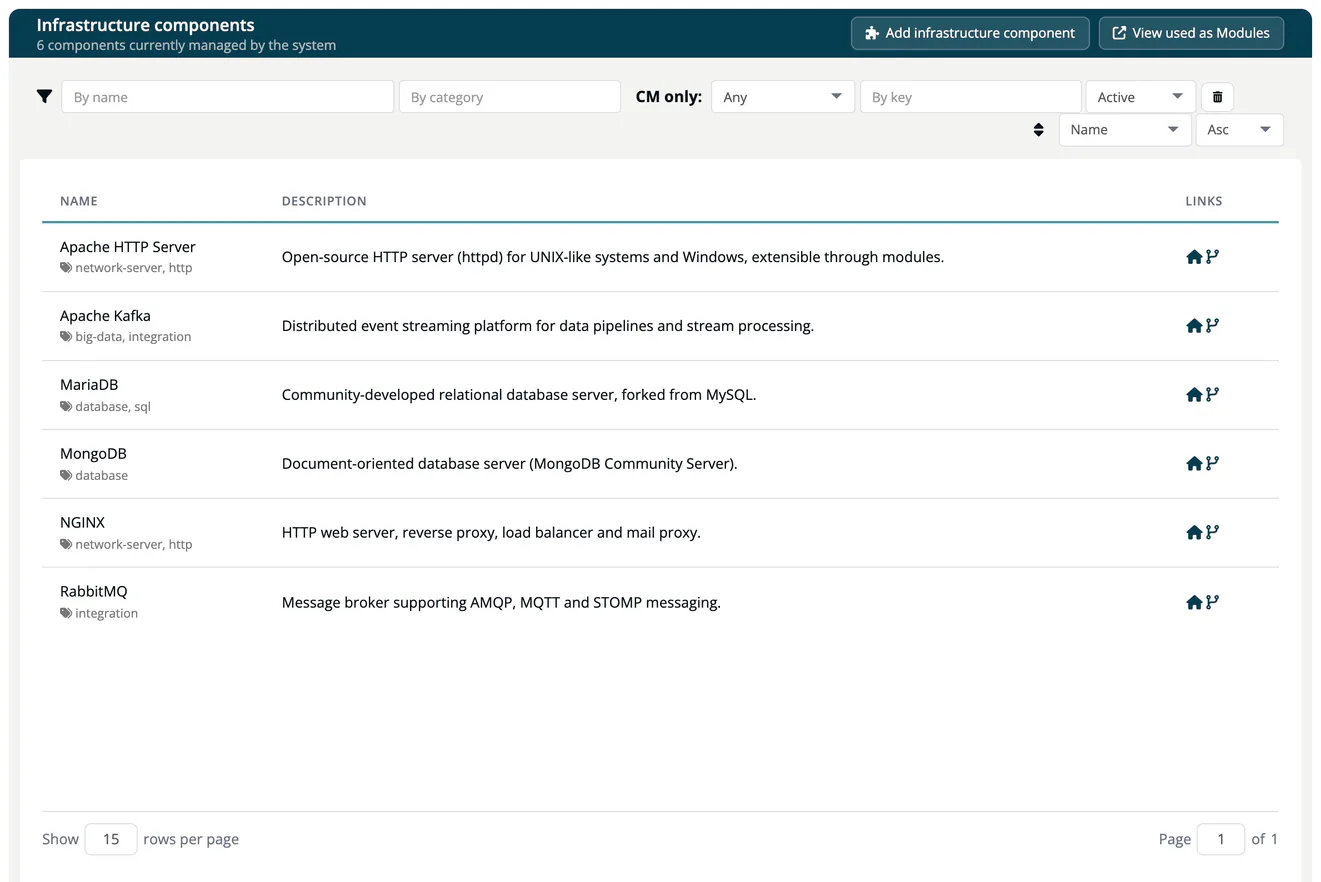
The Infrastructure Elements catalog lists the infrastructure components TrustSource CE knows: operating systems, base images, database servers, web servers, message brokers and similar. You link them to infrastructure modules. Open it from Knowledge → Infrastructure Elements; the page is titled Infrastructure components.
Where the data comes from
On its first start, TrustSource CE fills the catalog with a set of common infrastructure components. Later starts only add entries that are missing; components you edited or soft-deleted are not touched. Users with the Company component manager role can add and edit components. The catalog is shared by all companies of the installation.
Browse the catalog
The header shows how many components are managed. Use the filter bar to narrow the list. Each row shows the component name with its categories, a short description and links to the homepage and repository. A red B means that the component is on your company's deny list.
Select a component to open its page: the Information panel (key, purl, homepage, repository, language, last update), the Comment, the commercial terms if any were recorded, and the Versions with licenses, checksums, copyright and reported vulnerabilities. A filter above the versions narrows long lists.
Note
Everyone can read the catalog. Company component managers also see Add infrastructure component, View used as Modules and an Edit button. See Manage Infrastructure Components.