LeanIX and SCANOSS
Note
Required role: Account admin
LeanIX
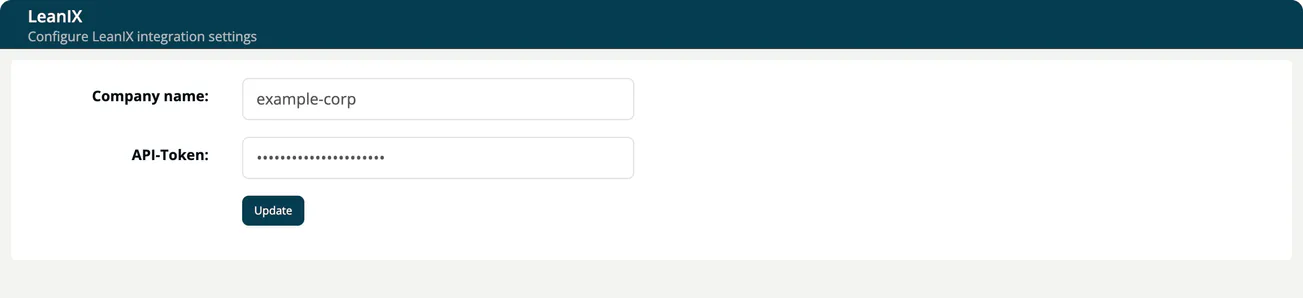
Link your projects and modules with the applications in your LeanIX workspace. Select the LeanIX tile on Administration → Integrations in TrustSource CE.
| Field | Description |
|---|---|
| Company name | The name of your LeanIX workspace. |
| API-Token | The LeanIX API token. It is hidden while you type and never shown again. Leave empty to keep the stored value. |
Select Update to save. Afterwards, the General settings of a project or module offer the LeanIX link. Without the integration, that field shows a link to these settings instead.
SCANOSS
The SCANOSS tile ("Configure SCANOSS integration settings") stores an Access Token and an Active switch. The token is kept encrypted and is never shown again; leave the field empty to keep the stored value.
Note
In TrustSource CE nothing uses these settings. No scan, analysis or other function calls SCANOSS, so saving a token has no effect. Repository scans, which use SCANOSS in the hosted TrustSource service, are not part of CE. See CE and SaaS compared.