Stored Users
Note
Required role: account_admin
Required account type: Enterprise or Medical
Stored users are accounts that live in your identity store itself, not in an external directory. Use them for people who have no account in your directory. The list shows Created, Name and Email.
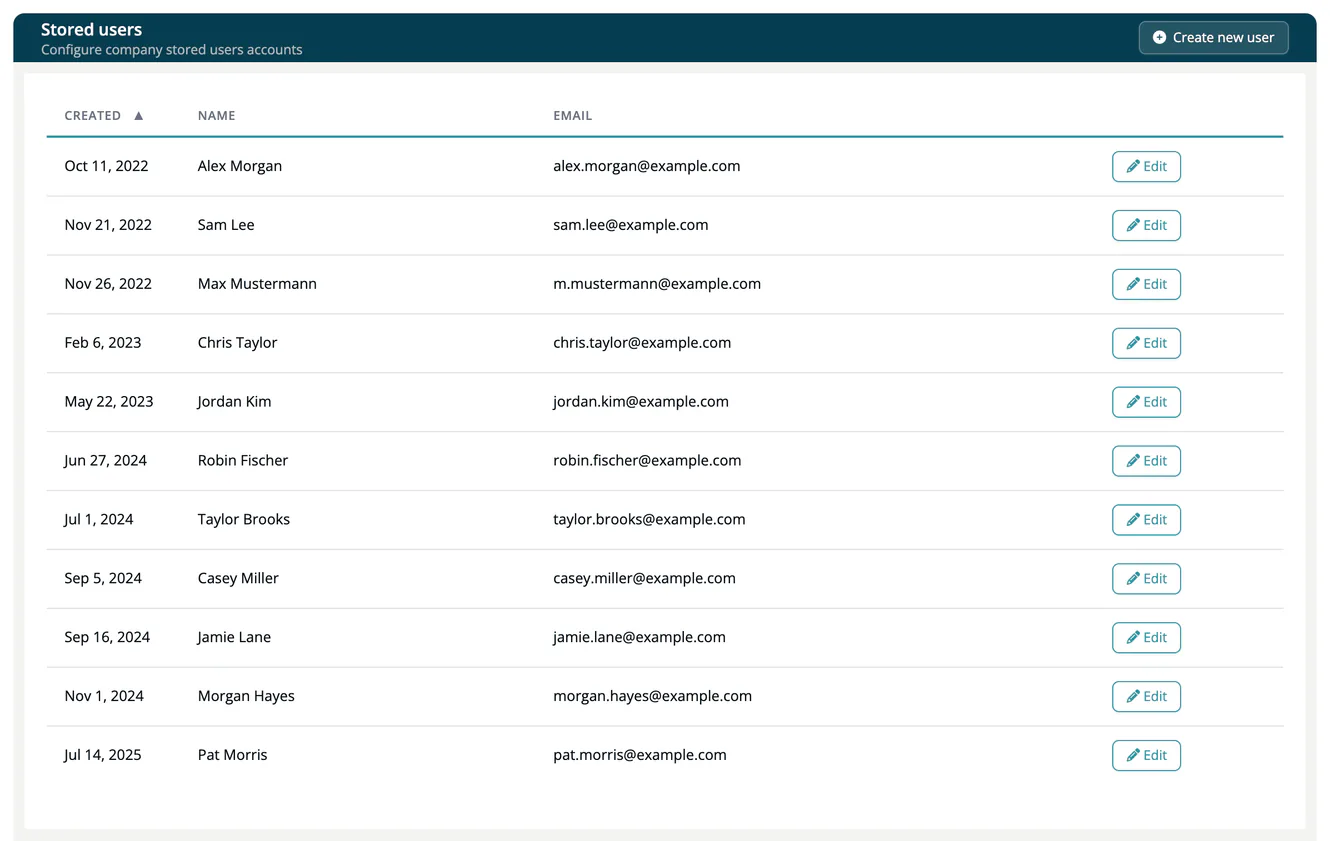
Create a user
- Select Create new user.
- Enter the Username and Email. The create form shows only these required fields.
- Select Create. The edit page of the new user opens, where you can set Enabled and Name.
A new user is enabled.
| Field | Description |
|---|---|
| Enabled | Lets the user sign in. |
| Username* | The login name. It cannot be changed later. |
| Email* | The email address of the user. |
| Name | The display name. |
Maintain a user
Select Edit in a row. Besides Update and Remove (with confirmation), the edit page can send the user an email that asks for an action:
| Button | What the user is asked to do |
|---|---|
| Request email verification | Verify the email address. |
| Request profile update | Update the profile data. |
| Request password change | Choose a new password. |
| Request configure OTP | Set up a one-time password. |
Related
- Identity Integration - how users sign in and receive roles
- User Storage