Licenses
The license database lists every license TrustSource knows, with its full text. Use it to read what a license says, or to find the identifier to use when you assign a license by hand. Open it from Knowledge → Licenses.
Find a license
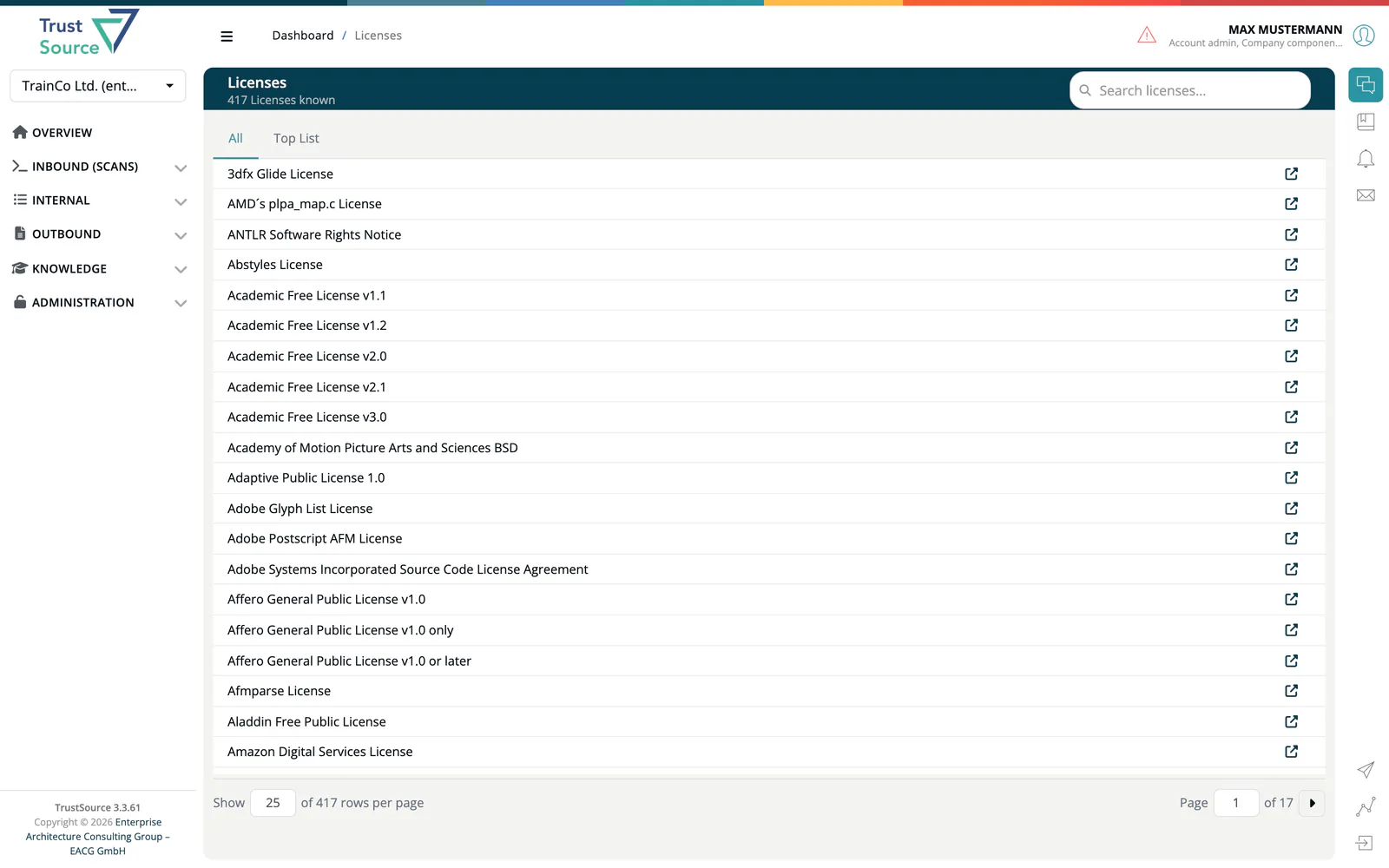
The header shows how many licenses are known. Type into Search licenses... to filter by name or SPDX identifier; matches are highlighted. Two tabs organise the list:
- All lists every license alphabetically, with paging.
- Top List lists the licenses used most often across TrustSource.
Each row shows the license name and a link to the license homepage. Select a row to open it.
License details
The detail page is titled with the license name and its identifier in brackets, for example MIT License [MIT]. It shows the License text with the creation and update dates. Search in license text... highlights a phrase in the text.
If TrustSource does not hold the text, the page says so and links to the official text instead.
Note
The license catalogue and the legal assessment of each license are maintained by TrustSource.
The catalogue also contains the special identifiers NO-LICENSE, PUBLIC-DOMAIN and UNKNOWN. Use them when you assign a license by hand to a component the scan could not match.
Related
- Open Source Policy - the policy document your company publishes