SMTP Settings
Note
Required role: account_admin
Required account type: Enterprise or Medical
SMTP settings define the mail server that your identity store uses for its own emails, for example verification and password reset mails. Select Update to save.
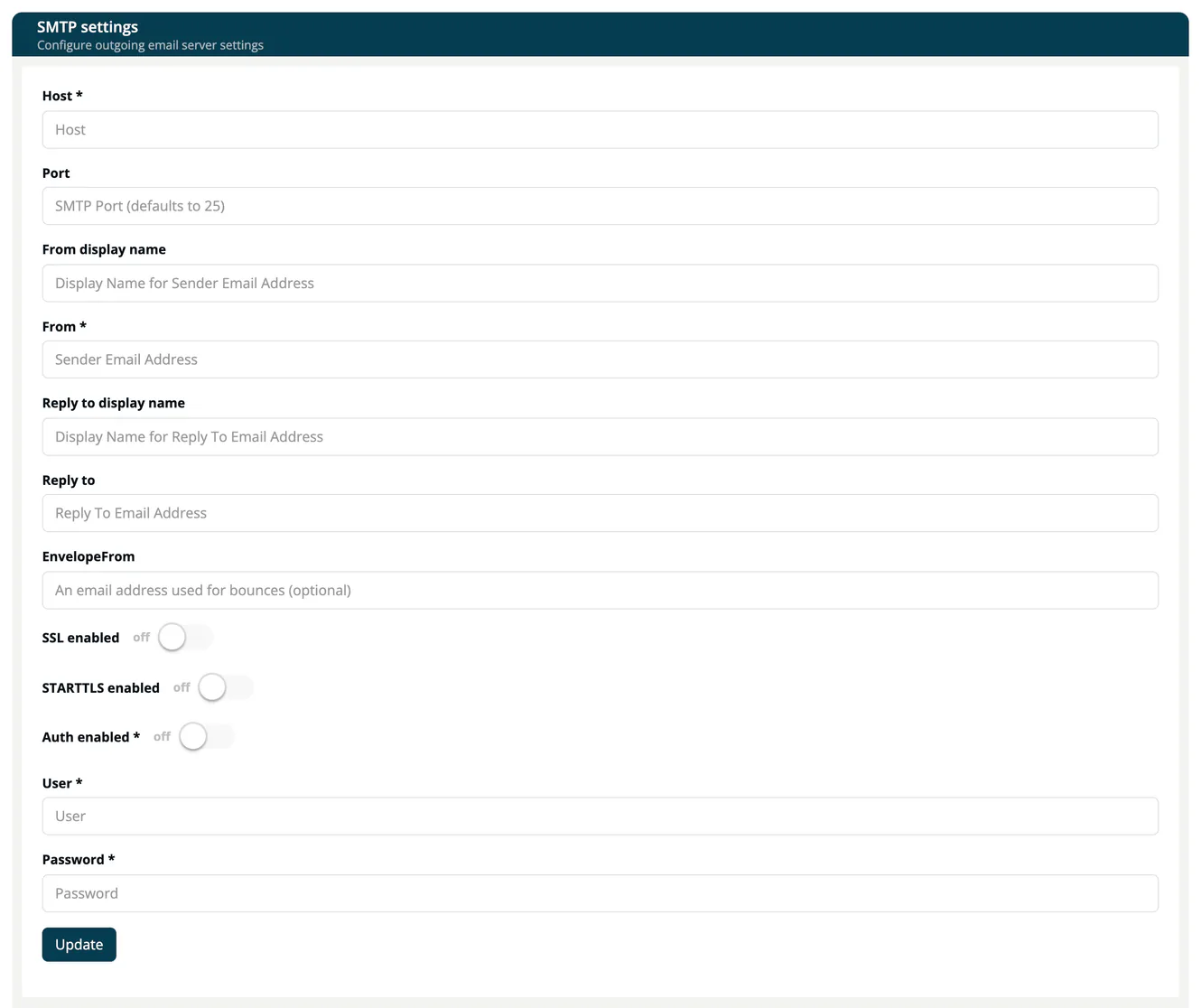
| Field | Description |
|---|---|
| Host* | The address of your mail server. |
| Port | The port of the mail server. The default is 25. |
| From display name, From* | Name and address that appear as sender. |
| Reply to display name, Reply to | Name and address for replies. |
| EnvelopeFrom | Address for bounces (optional). |
| SSL enabled, STARTTLS enabled | How the connection to the mail server is encrypted. |
| Auth enabled | Switch on when the server needs a login. |
| User, Password | The login for the mail server; required while Auth enabled is on. |
The form requires Host and From, and User and Password while Auth enabled is on.