Help and Contact
TrustSource CE is a self-hosted, open source edition. There is no vendor support desk built into the app; help comes from this documentation, your own administrators and the project on GitHub.
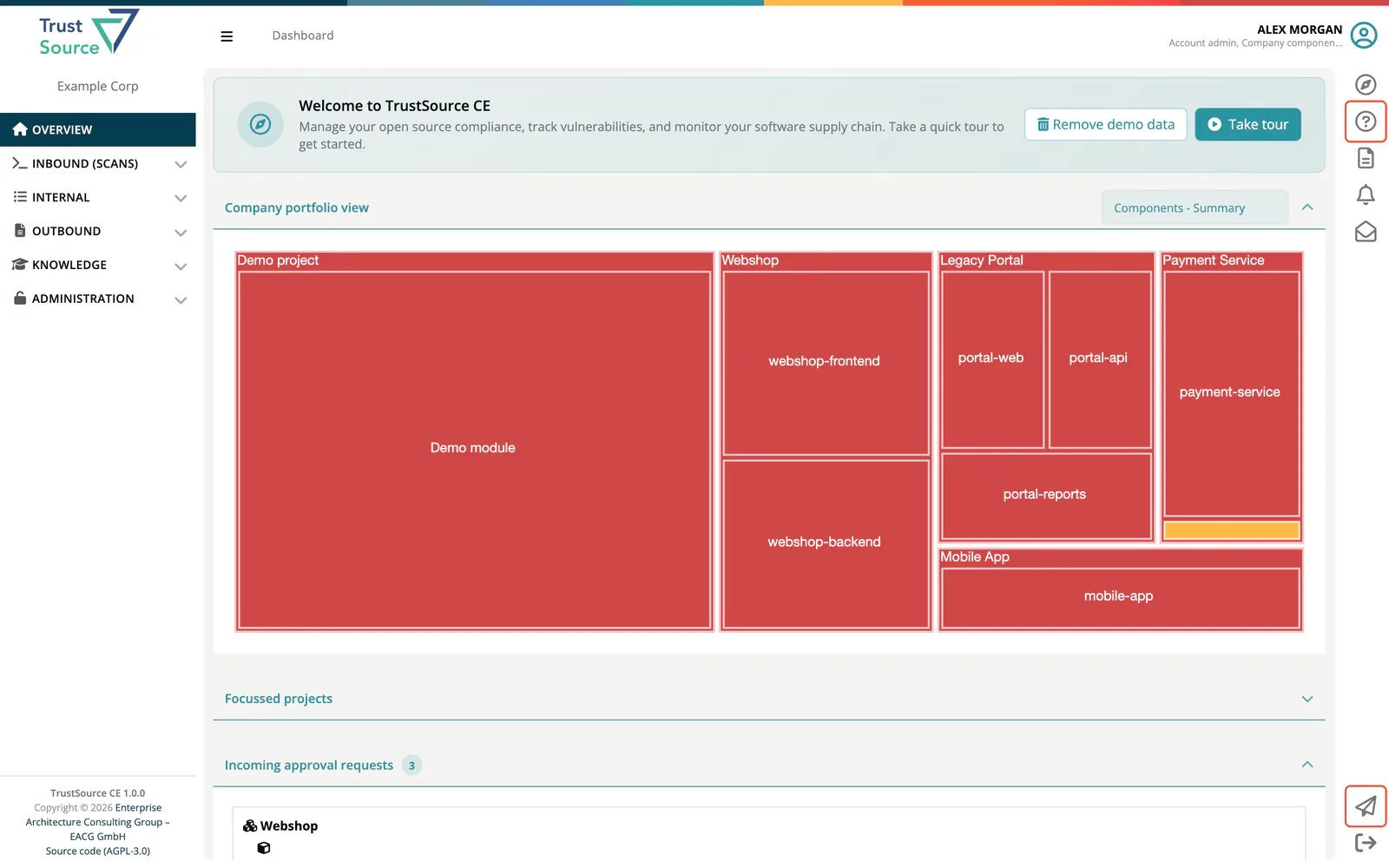
In the app
| Right bar icon | What it does |
|---|---|
| Guide for this screen (compass) | Opens the guide panel with a tour for the current screen, where one exists. See Guide and demo. |
| Help (question mark) | Opens the README of the TrustSource CE repository on GitHub, https://github.com/TrustSource/ts-core-ce#readme. On small screens the same link is called Support in the menu. |
| Contact Account Admin (paper plane) | Opens a new email in your mail program, addressed to your company's Distribution email if one is set under General info, otherwise to the first Account admin of your company. The icon is hidden when no address is found. |
Questions about your installation
Ask your Account admin for access, roles and company settings, and the operator who runs the installation for problems with sign-in emails, updates, backups or the server itself. Operators find setup and operation help in Installation & Setup and Troubleshooting.
Report a problem
Report bugs and ask questions about TrustSource CE itself in the issue tracker of the GitHub repository https://github.com/TrustSource/ts-core-ce (tab Issues). Describe the version (shown in the sidebar footer, for example "TrustSource CE 1.0.0"), what you did and what happened, and leave out keys, passwords and customer data.
See Contact & support.