OSCAR Chat
Note
Required license feature: chat
Status: Beta
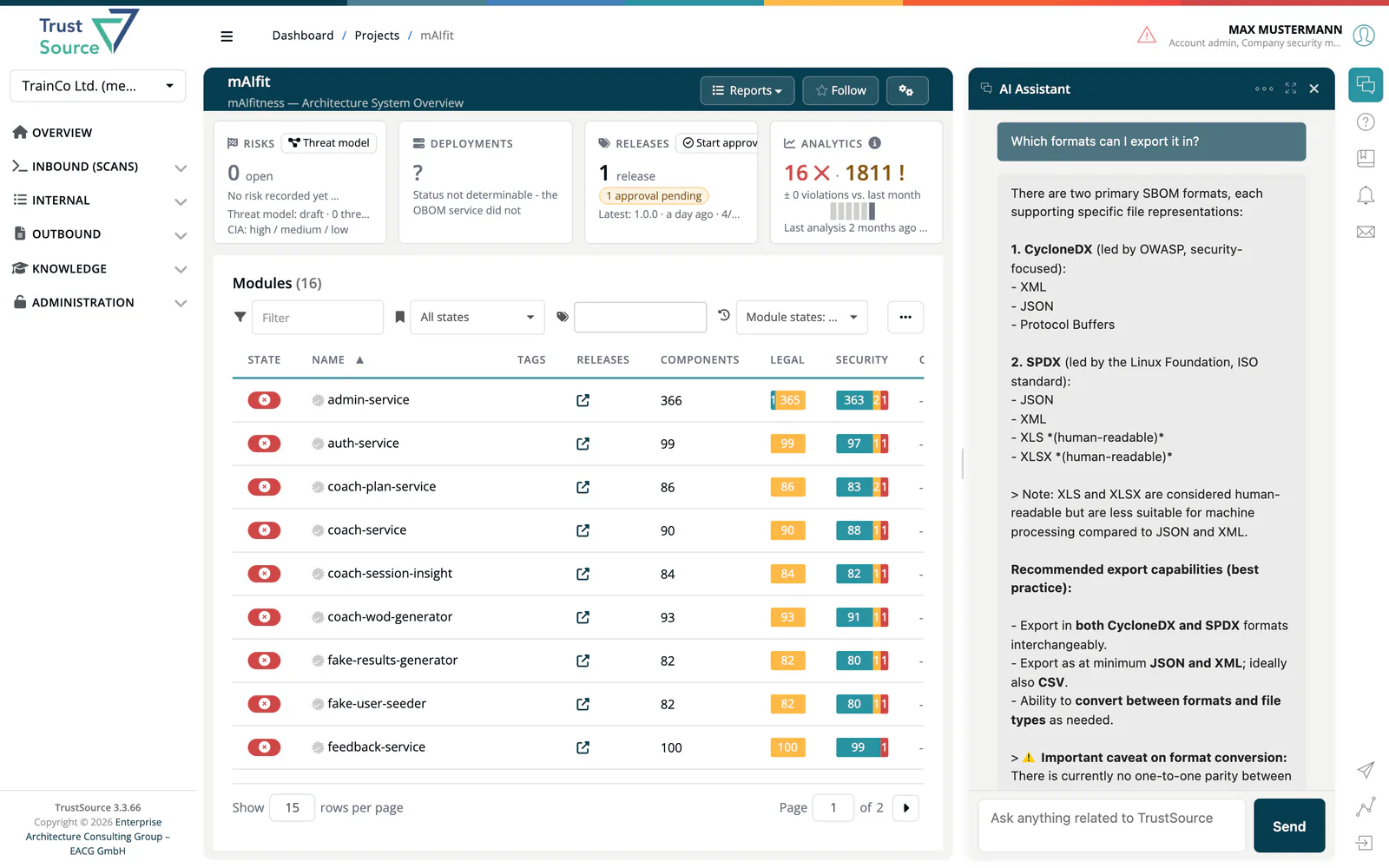
OSCAR is the conversational assistant inside TrustSource. In the app it appears as the AI Assistant: the chat icon in the right bar opens it. It answers questions about your projects, modules, components and license findings in natural language, and helps users find their way around the platform without having to know the underlying click-paths.
What this capability adds
- A chat panel docked on the right side of any page, resizable between a slim companion and a wide reading column.
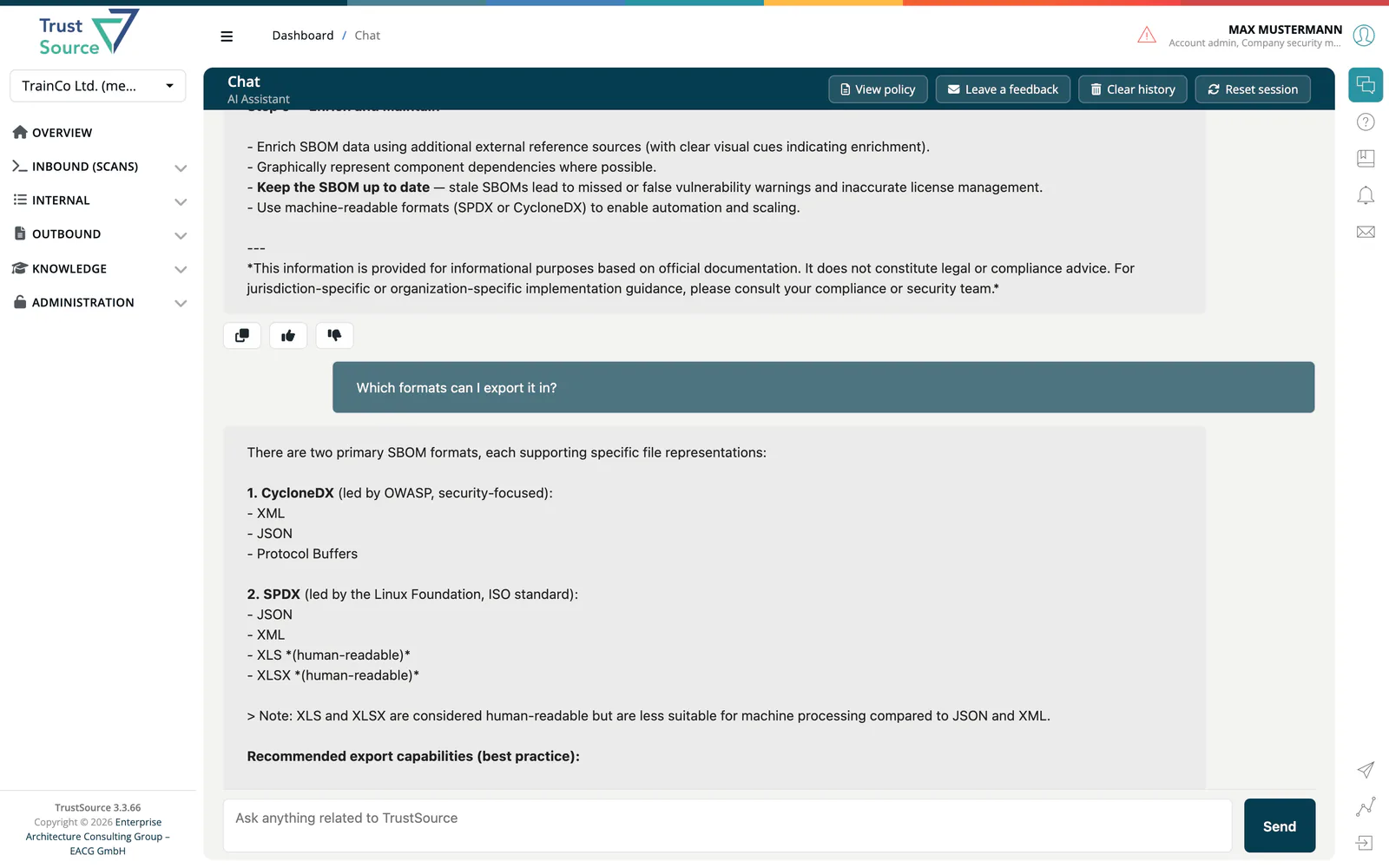
- A full-page chat mode at
/chatfor longer conversations (Open full page in the panel). - Session history, message rating (Like / Dislike), Copy, Reset session, Clear history and Leave a feedback.
- Context-aware answers that pull from your account's projects and components, not from a generic knowledge base.
Before your first question, the assistant shows the Chat usage policy: tick its three statements and select Confirm. In the full-page chat, View policy shows the policy again.
Editions
- SaaS: available with the
chatfeature flag enabled. - Community Edition: not included. OSCAR relies on hosted inference infrastructure that is not part of the CE deployment.
Related
- Capabilities: overview of all optional capabilities.