Account Types
An account type (also called plan) sets the capacity of your company and a few plan features. The five account types are Free, Professional, Corporate, Enterprise and Medical. For the capacity table and typical use cases, see Getting Started → Account Types.
Account types are different from license features: a license feature is a flag provisioned for your company, while the account type comes from your plan.
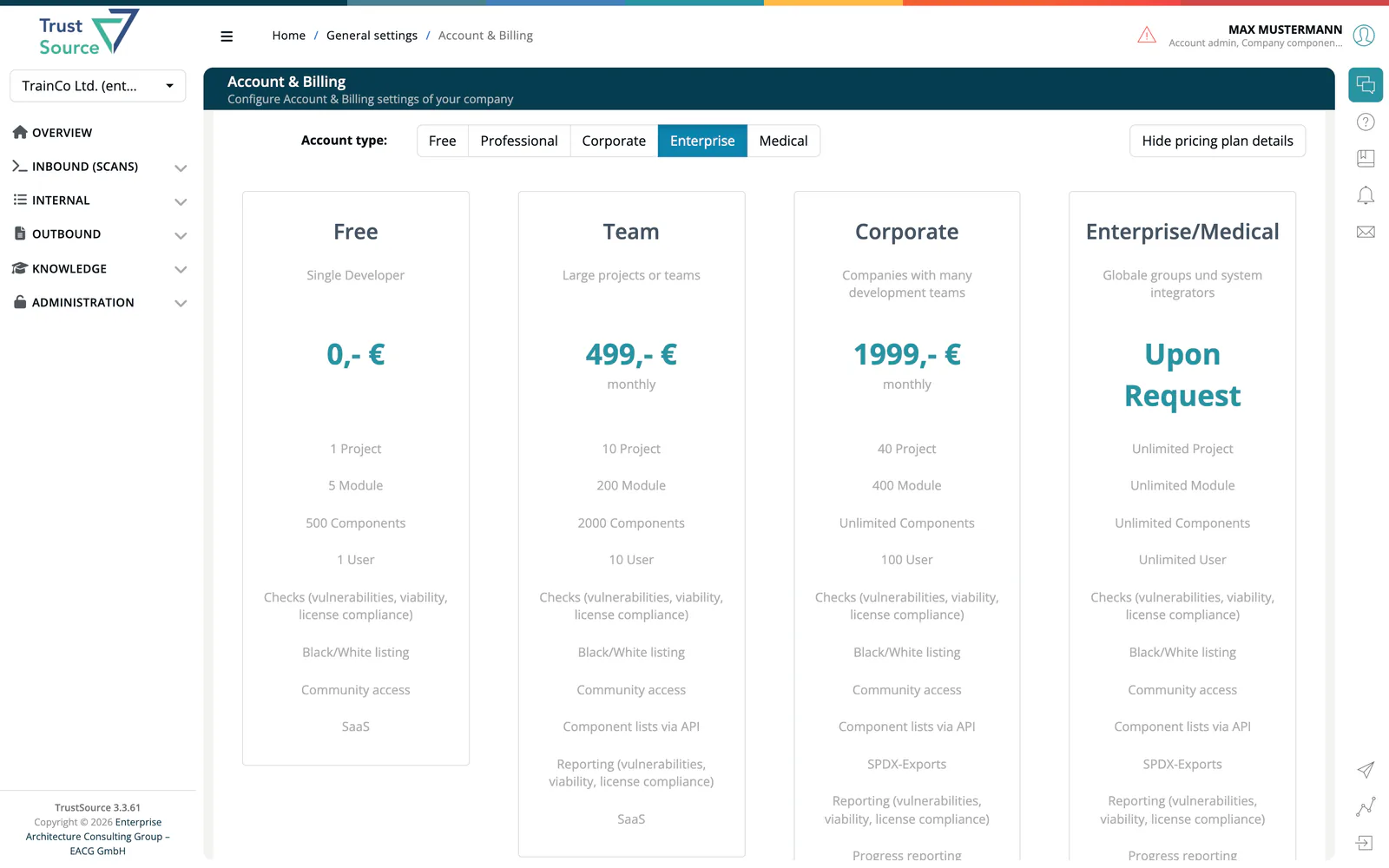
What an account type controls
Capacity. The plan sets the number of projects, modules, components and users. At the limit, the matching page says so. For users, the User Management page shows "Limit was reached" with the number of users to remove or a link to upgrade.
Plan features. The app checks these features against your plan:
| Plan feature | Effect |
|---|---|
| Jira integration | Enables the Jira settings under Integrations. |
| GitHub integration | Enables the GitHub settings. |
| TFS integration | Enables the TFS and Azure DevOps settings. |
| LeanIX integration | Enables the LeanIX settings. |
| Multi-Jira, multi-TFS, multi-GitHub | Lets a single project use its own issue tracker settings instead of the company settings. |
| SOUP reports | Shows SOUP Lists in the Outbound menu. A company with the medical license flag sees it as well. |
Without the plan feature, the integration pages show a note that you need a corporate account type and keep their fields disabled.
Account type checks. A few areas depend on the account type itself:
| Area | Account type |
|---|---|
| Identity Integration (SSO) and Enterprise Companies | Enterprise or Medical |
| Private licenses | Enterprise or Medical |
| Mass Scans | Enterprise |
| MDR/IVDR classification tabs | Medical |
See and change your plan
Account admins and enterprise admins open Administration → Account & Billing. See pricing plan details shows the live limits and monthly price of every plan. See Account & Billing.