Integrations
Note
Required role: Account admin
The Integrations page connects TrustSource CE to the tools your team already uses: issue trackers, your application portfolio and receivers for notifications. Open it from Administration → Integrations. Each tile leads to the settings page of one integration.
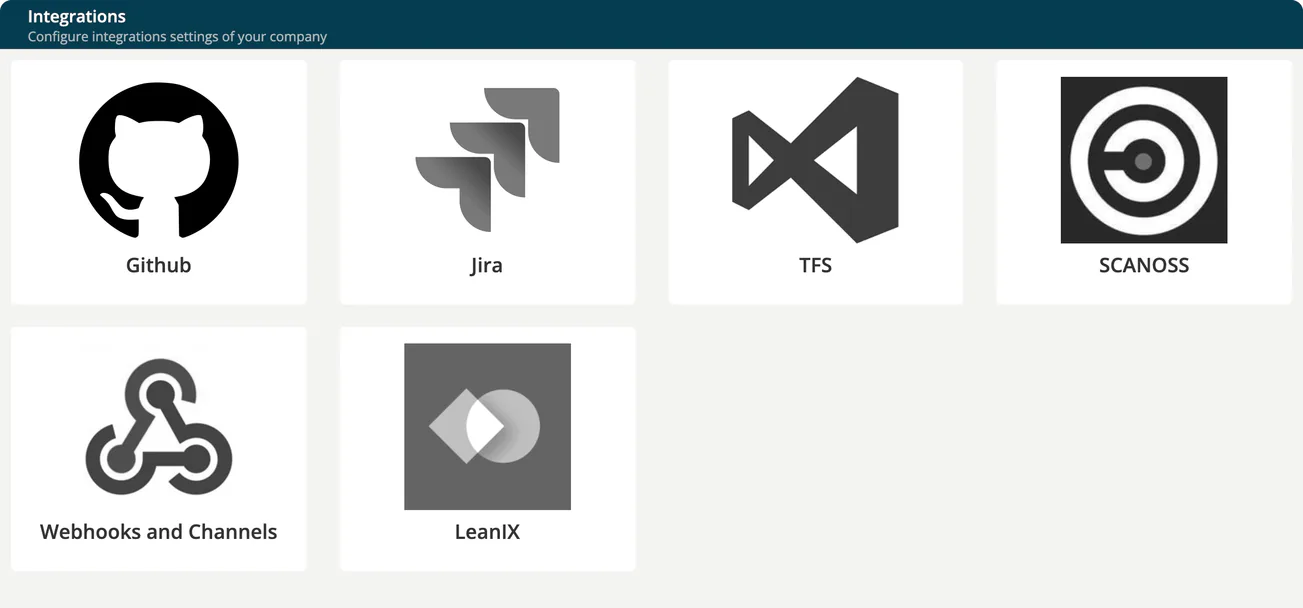
| Tile | What it does | Details |
|---|---|---|
| Github | Files findings as GitHub issues. | Issue trackers |
| Jira | Files findings as Jira issues, through the Jira API or by email. | Issue trackers |
| TFS | Files findings as work items in TFS or Azure DevOps. | Issue trackers |
| SCANOSS | Stores a SCANOSS token. Not used by any function of TrustSource CE. | LeanIX and SCANOSS |
| Webhooks and Channels | Sends notifications to Slack, Microsoft Teams or any HTTP endpoint. | Webhooks and channels |
| LeanIX | Links projects and modules to applications in your LeanIX workspace. | LeanIX and SCANOSS |
How the settings behave
- Company defaults, project overrides. The settings here apply to every project in your company. A project can use its own Jira, TFS or GitHub settings on its Issue Integration tab. See Issue Integration (Project).
- Secrets stay hidden. Passwords and tokens are never displayed again after you save them ("Leave blank to keep current"). Leave the field empty to keep the stored value; type a new value to replace it. Secrets are stored encrypted with
TS_ENCRYPTION_KEY. If that setting is changed, the stored passwords and tokens can no longer be read and must be entered again. See Environment variables. - Active switch. Jira, GitHub and TFS only take effect while Active is ticked. Untick it to pause the integration without losing the settings.
- Public addresses only. Jira and TFS server URLs and webhook URLs must not point to a private, loopback, link-local or carrier-grade NAT (
100.64.0.0/10) address, for example10.x.x.x,192.168.x.xor127.0.0.1. The same rule applies to the company logo URL. A URL with such an address is refused on save with "Invalid integration URL". A host name is accepted on save, but each call to Jira, TFS or a webhook target is refused if the name resolves to such an address. There is no setting to allow internal addresses, so an on-premises Jira, TFS or webhook server that is only reachable on an internal network cannot be connected. - Outgoing connections. Integrations call the external service from the TrustSource CE server. The server needs network access to it.
Note
Only Account admins open the Integrations page. Managers and Compliance managers can also create webhooks and channels, on a project's Webhooks and Channels tab. See Webhooks and channels.
Related
- Issue Integration (Project): pick the issue tracker for a project
- Integration Troubleshooting
- External services