Tab: Misuse
Note
Editing: Developer, Compliance manager, Company security manager or Account admin.
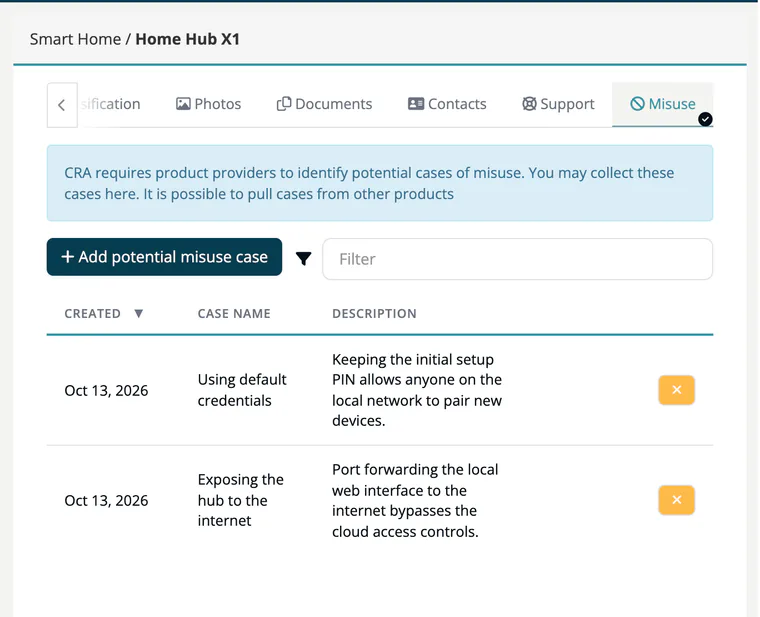
The CRA requires you to identify how a product could be misused. Collect these potential misuse cases per product on this tab, for example Default admin password left unchanged or Device used as a relay in a botnet.
Add a misuse case
- Click Add potential misuse case.
- Enter the Name (required) and, optionally, a Description.
- Click Add.
The table lists Created, Case name and Description; filter and sort as in other lists. Remove a case with the x button at the end of its row.
Note
Misuse cases are plain records on the product. They are not linked to risks. To track a technical threat with impact, countermeasures and tasks, record it in the risk register, where the Threat model tab holds STRIDE and CWE details.
You can read and write misuse cases through the Products API as well.
Related
- Products overview - all eight product tabs